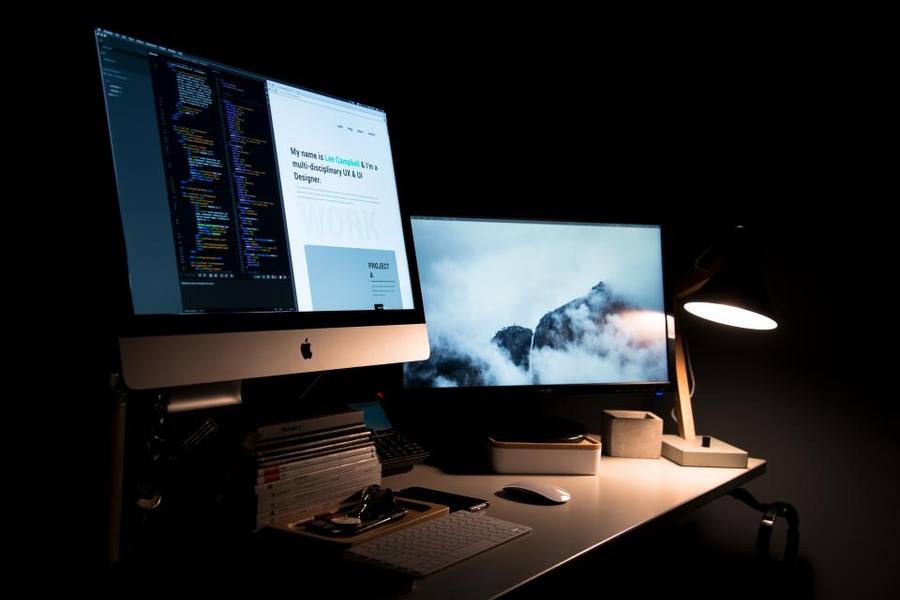
Symbolbild (Stockfoto); nicht das abgebildete Produkt.
Light Without Reflection
A conventional desk lamp placed beside a monitor has a persistent problem: to light the desk properly it must be bright, and a bright source beside a glossy or semi-glossy screen produces reflections you then spend all day reading around. Most people solve this badly, either by tolerating the glare or by dimming the lamp until the desk is inadequately lit.
The ScreenBar Halo clamps to the top of the monitor and projects downward and forward with an asymmetric optical design, so the light falls on the desk and keyboard and essentially none of it reaches the screen surface. It is a straightforward optical solution to a genuinely annoying problem, and the effect on first use is more striking than the description suggests.
It also occupies no desk space at all, which on a small desk is worth as much as the lighting quality. A conventional lamp needs a base, an arm and clearance; this needs the top edge of a monitor you already own.
The Halo Backlight
The Halo distinguishes itself from the cheaper ScreenBar models with a rear-facing backlight that washes the wall behind the monitor. This is not decoration in the way RGB lighting is decoration — it reduces the contrast between a bright screen and a dark wall, which is one of the more common causes of eye fatigue during evening work.
Whether you need it depends on your room. If the wall behind your monitor is already lit by a lamp or a window, the backlight adds little. If you work in the evening facing a screen against a dark wall, it makes a noticeable difference to how tiring a long session feels.
Both the front and rear lights are independently controllable, so the backlight can be used alone for evening work when the desk itself does not need lighting.
Controls And Power
Control is by a wireless puck that sits on the desk, with a dial for brightness and colour temperature and buttons for the auto-dimming mode and the backlight. Reaching for a physical dial is considerably better than the touch controls on the cheaper models, which require reaching up to the monitor.
The auto-dimming uses an ambient light sensor to hold the desk at a target illuminance as the room changes through the day. It works well and is the feature most owners leave enabled, though the sensor can be fooled by a bright object directly beneath it.
Power comes over USB from the monitor or a hub, which means one more cable and one more port used. On a monitor with a built-in USB hub this is invisible; on a bare monitor it means running a cable to the computer.
Against The Alternatives
Against a conventional desk lamp, the ScreenBar wins decisively on screen glare and on desk space, and loses on flexibility — it lights the desk in front of the monitor and nothing else. It cannot be angled at a book on the far side of the desk or used to light a room.
Against the cheaper ScreenBar models, the Halo adds the backlight and the wireless puck. The puck alone is worth a meaningful part of the difference; the backlight is worth it only in the specific dark-wall scenario.
Against a monitor arm with an integrated light, the ScreenBar is cheaper and more easily moved between setups, and does not require replacing a stand you may already be happy with.
Who Should Not Buy It
Anyone whose monitor has a very thick top bezel or an unusual curve should check the clamp compatibility carefully. The fitting accommodates a range of thicknesses but not all of them, and a curved ultrawide can sit awkwardly.
Anyone who needs a light for tasks away from the immediate desk surface — reading a document on a side table, or any kind of craft work — needs a lamp that can be aimed, not a fixed bar.
Anyone who works in a well-lit room during daylight hours only may find they simply do not need it, and the money is better spent elsewhere in the setup.
The Verdict
A genuinely clever solution to a specific and irritating problem, and one of the few desk accessories whose benefit is obvious within a minute of switching it on. No screen glare, no desk space consumed, and light where you actually need it.
It is inflexible by design, it consumes a USB port, and the backlight only earns its premium in particular rooms.
For anyone who works at a monitor in the evening on a small desk, it is among the easiest recommendations in this whole category.
Auf einen Blick
Vorteile
- Asymmetric optics light the desk with no reflection on the screen
- Occupies no desk space; clamps to the monitor you already own
- Wireless control puck is far better than reaching up to touch controls
- Rear backlight reduces contrast fatigue against a dark wall
Nachteile
- Lights only the area in front of the monitor; cannot be aimed elsewhere
- Consumes a USB port and adds a cable
- Backlight is only worthwhile in specific room conditions
- Clamp does not suit every bezel thickness or curved panel
Häufig gestellte Fragen
Will it fit my monitor?
The clamp handles a wide range of bezel thicknesses but not every one, and curved ultrawides in particular can sit at an awkward angle. Check your monitor's top bezel depth against BenQ's stated range before ordering, since this is the most common fitment problem.
Is the backlight worth the extra over the cheaper ScreenBar?
Only if you work in the evening with a dark wall behind the monitor, where it genuinely reduces the contrast that tires your eyes. If that wall is already lit, the wireless control puck is the better reason to choose the Halo.
Does it replace a desk lamp entirely?
For working at the monitor, yes. For anything else on the desk — reading a physical document off to one side, or detailed handwork — it cannot be aimed and a conventional lamp is still needed.
Spezifikationen
| Mounting | Clamps to monitor top edge |
| Optics | Asymmetric, no screen glare |
| Backlight | Rear-facing, independently controlled |
| Control | Wireless desk puck |
| Auto-dimming | Ambient light sensor |
| Colour temperature | Adjustable |
| Power | USB |
| Desk footprint | None |
Fazit
A clever fix for screen glare that costs no desk space and shows its value immediately. Inflexible by design, and the backlight only earns its premium against a dark wall.
Preis auf Amazon prüfen